Find out how to bookmark recipes and collections, create your personal collections, share recipes, and organise with My Week and Shopping List.

With so many amazing recipes available on Cookidoo®, you’re spoiled for choice, which can sometimes make decision-making and meal planning a little challenging. Staying organised can make it easier to plan your meals and keep track of your favourite recipes. Cookidoo® makes this simple by letting you bookmark your favourite recipes and create your own personal recipe collections.
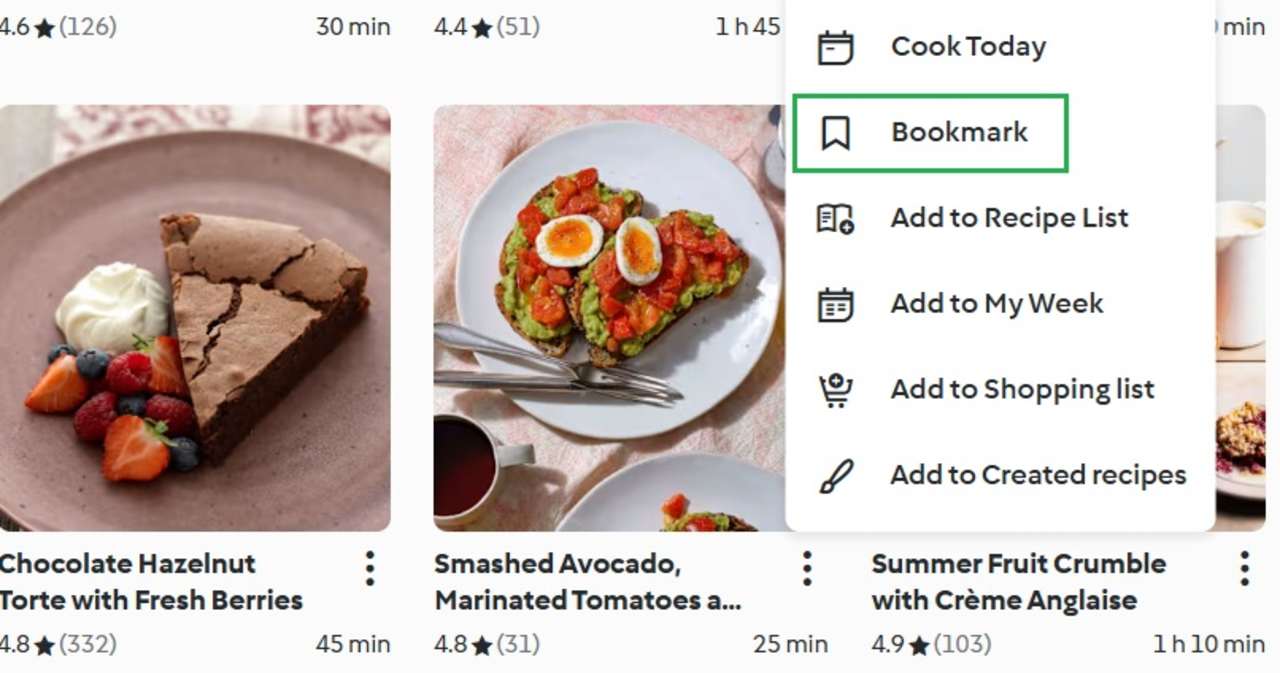 Bookmarking a recipe makes it easily accessible in the 'My Recipes' section in the top of the screen. To do this, simply click on the three dots and choose 'Bookmark' from the list that appears.
After you've done that, you can visit the 'My Recipes' section anytime to find your saved recipe.
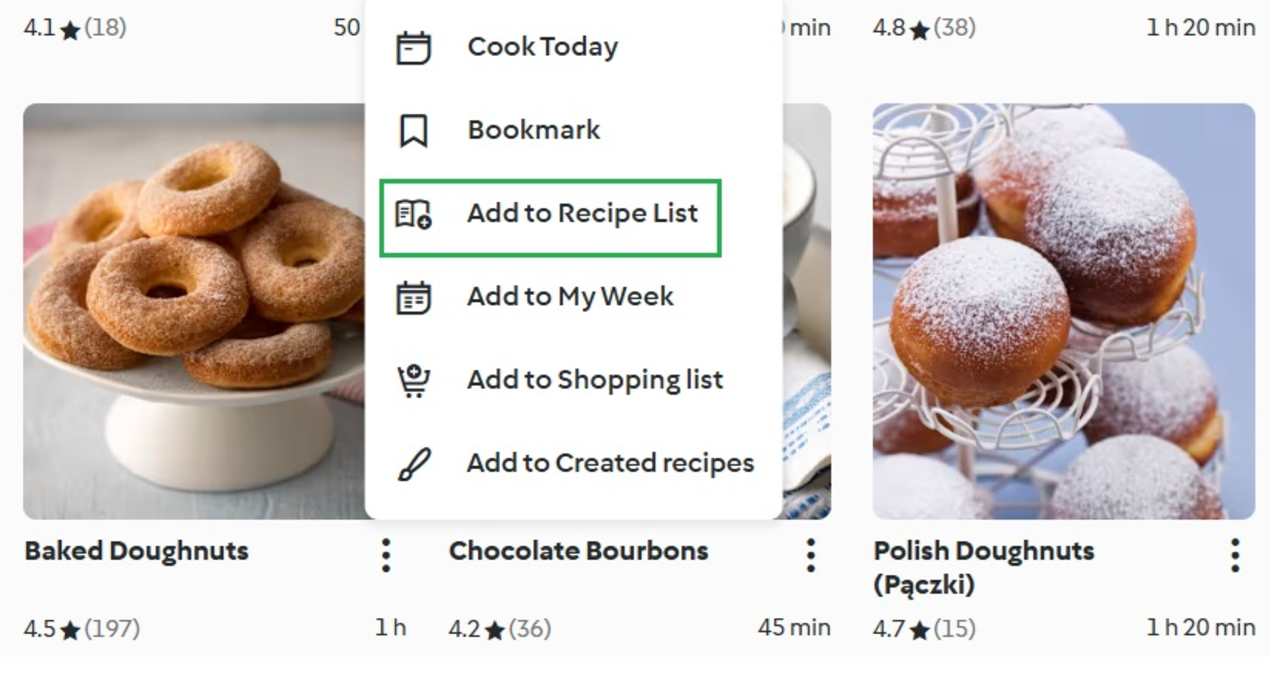 Another useful way to organise your recipes is by creating your own themed groups. The process is similar to adding bookmarks: select a recipe, open the available options and, instead of adding it to your bookmarks, select Add to Recipe List.
Creating your own recipe lists can be useful when family members have different preferences or dietary requirements. For example, if you have a young child at home, you could gather recipes they enjoy in one list. Or, if you're hosting a dinner party, you can group all the recipes you plan to cook for the occasion into a collection called Party.
Follow these steps to plan your recipes:
You can create shopping lists automatically via the recipe menu. Simply press on the "+" button and select "Add to Shopping List".
On your Smartphone
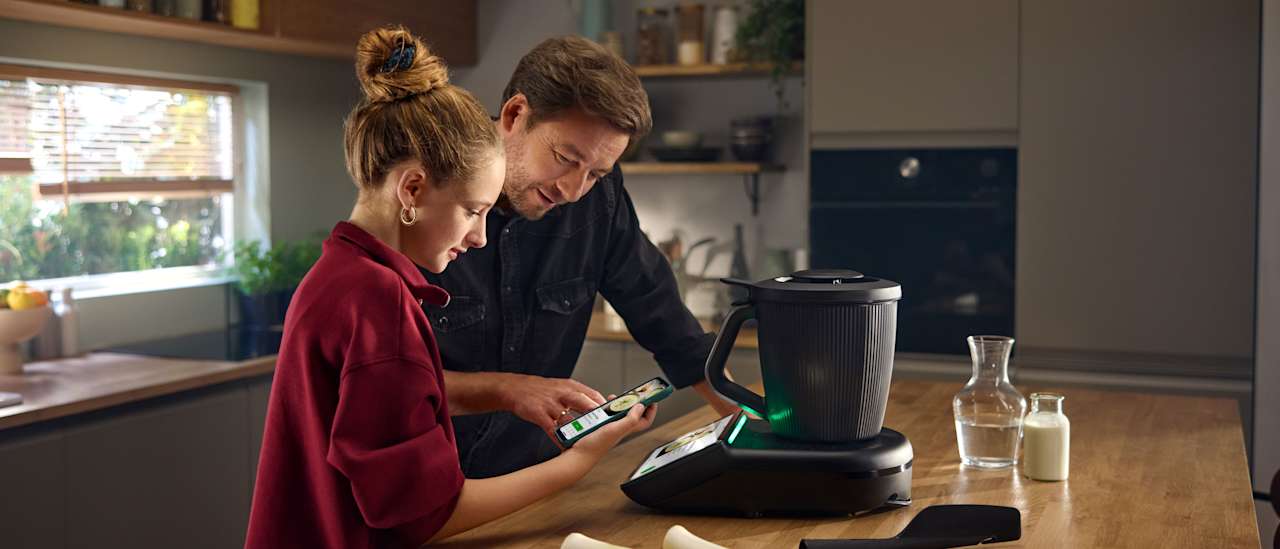
You can also manage your recipes on your smartphone. Simply click "Shopping List" on the right side of the search bar. You can view and manage your Shopping List, remove products that you already have, create new items, and view the list in different forms. The Cookidoo® app is available for iOS and Android.